
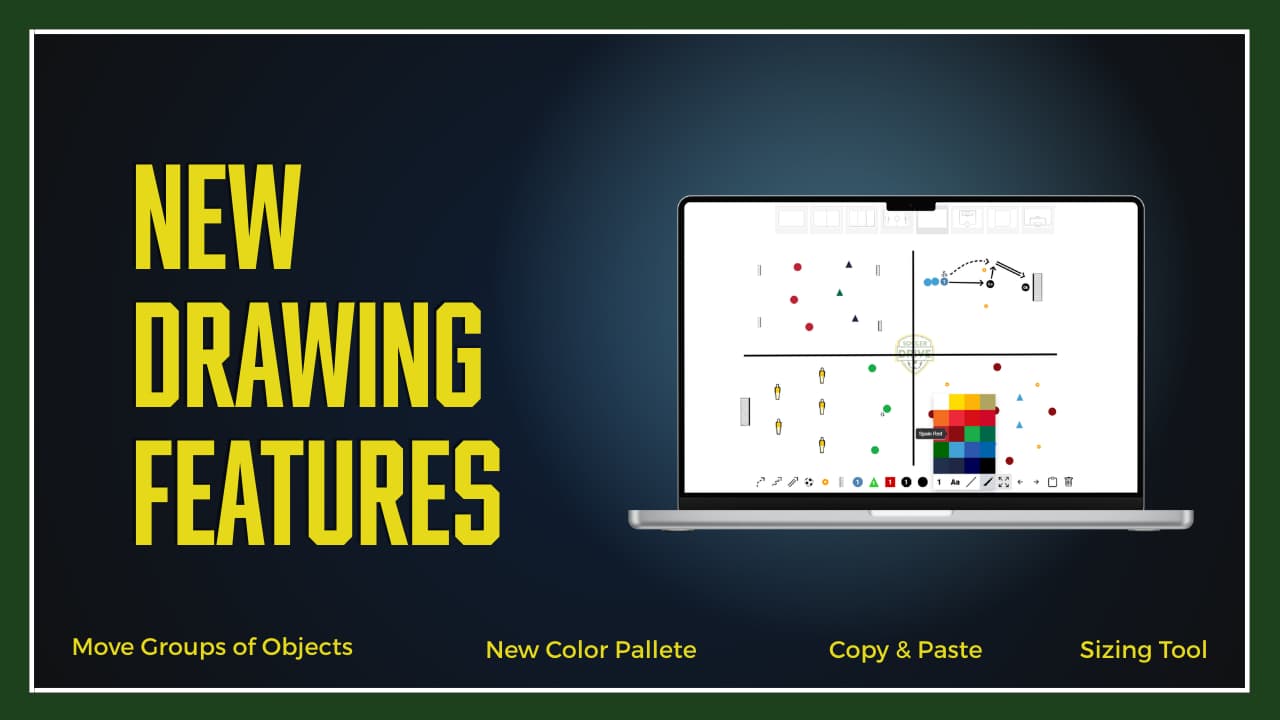
We’ve recently implemented four key updates to our drill drawing tool to help you build and organize your training sessions with greater speed and precision.
Here is a breakdown of what’s new and how you can use these features to improve your workflow.
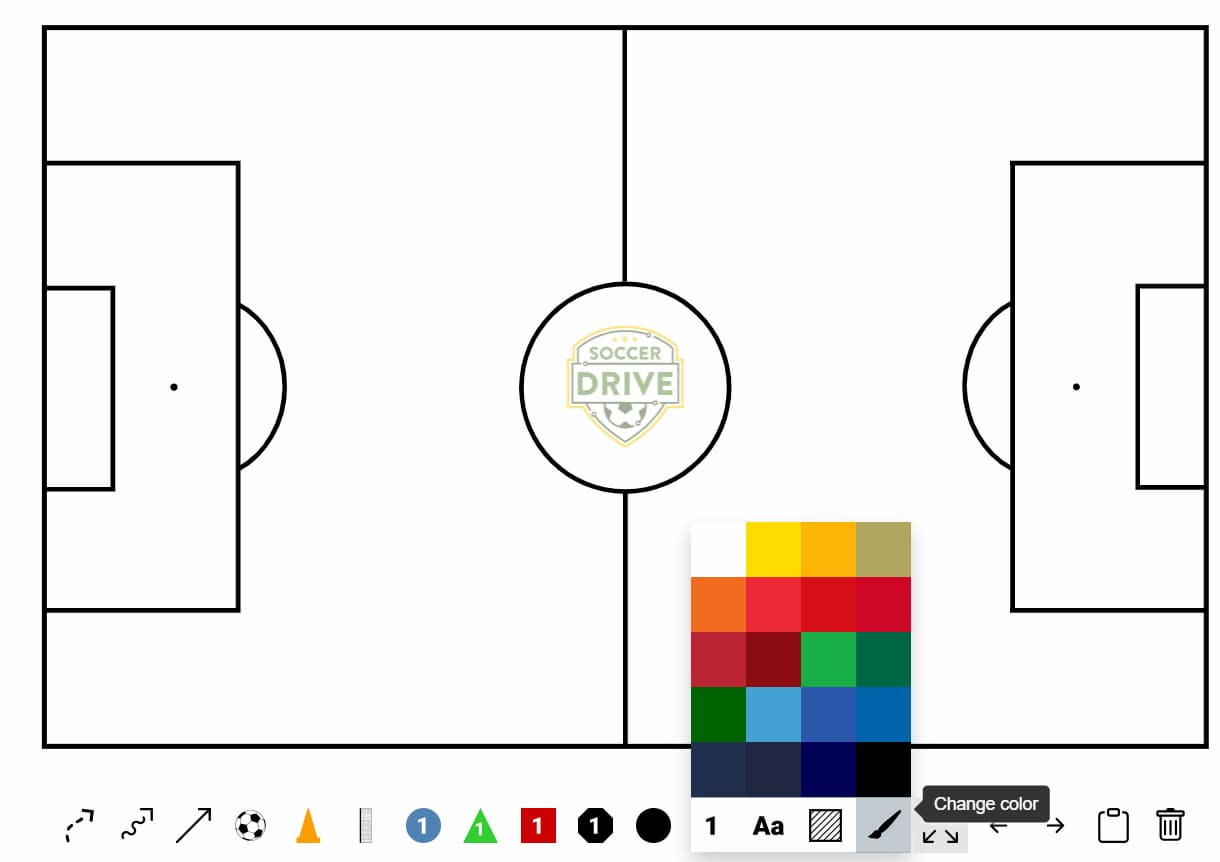
1. 2026 World Cup Color Palette
To help you better organize your sessions or visualize specific matchups, we have updated our color library. You can now access a wide selection of team colors reflecting the most notable nations participating in the 2026 World Cup. Whether you are assigning kits to specific drills or creating tactical color-coding for your players, this update allows you to use more colors in your diagrams. Have fun with them by using colors from the World's best teams!
2. Move Tool Updated to Allow Multi-Object Selection
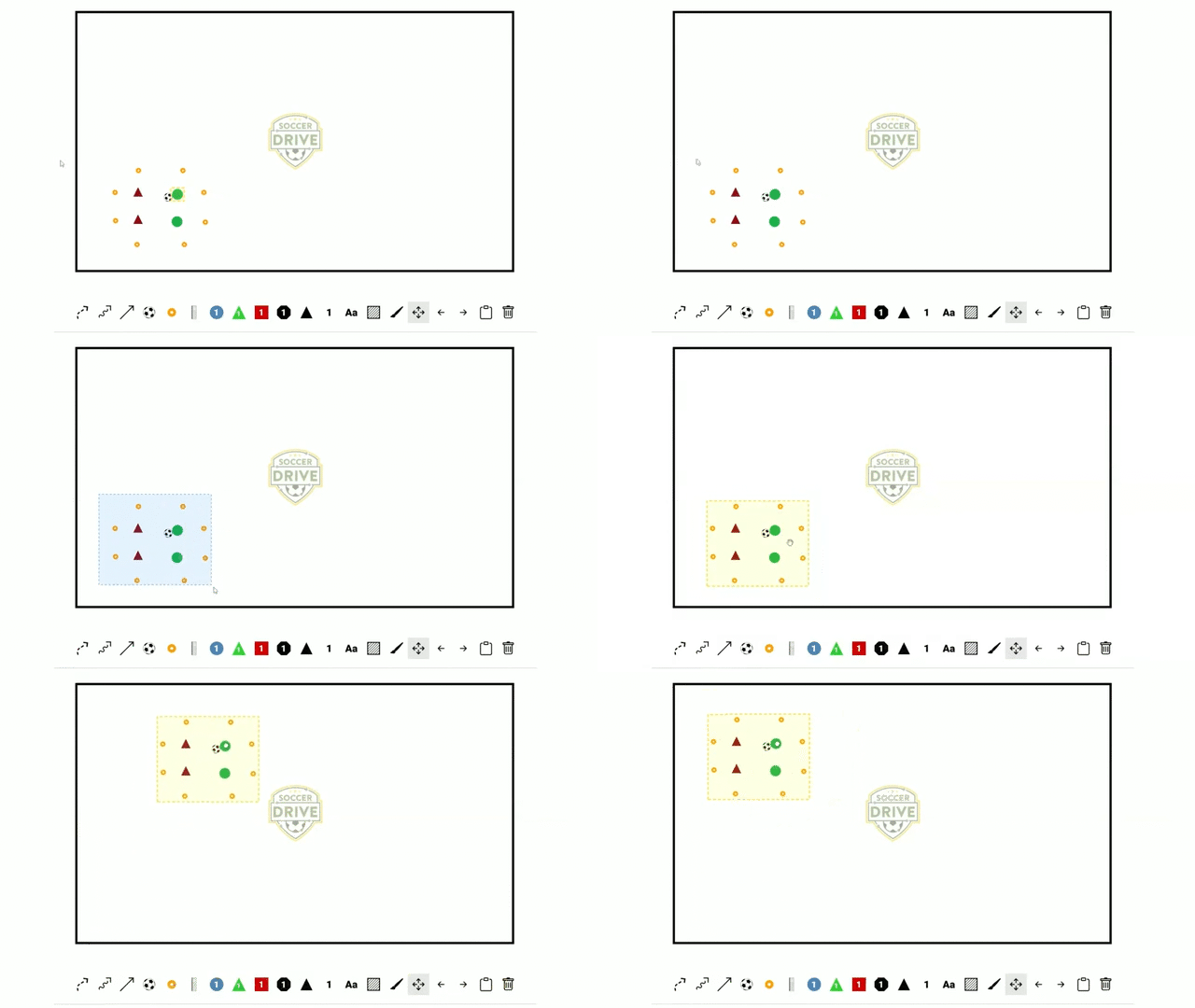
The Move Tool has been significantly improved to reduce repetitive tasks. You can now select multiple objects on your canvas simultaneously.
How to use it: Click and drag to draw a selection box around the objects you wish to move, or hold a selection key while clicking individual items. Once grouped, you can move, align, or adjust the entire cluster at once.
3. Pre-Placement Size Tool
We have introduced a new Size Tool that allows you to define the dimensions of an object before you place it on the canvas. This eliminates the need to go back and resize objects after you have placed them on the canvas.
How to use it: Select your desired object, choose the size from the toolbar that appears below the tool, and then click to place the object on your canvas. Now that you have chosen your size you can continue placing objects on the canvas and they will all be the size selected using the sizing tool.
.gif)
4. Copy and Paste Functionality
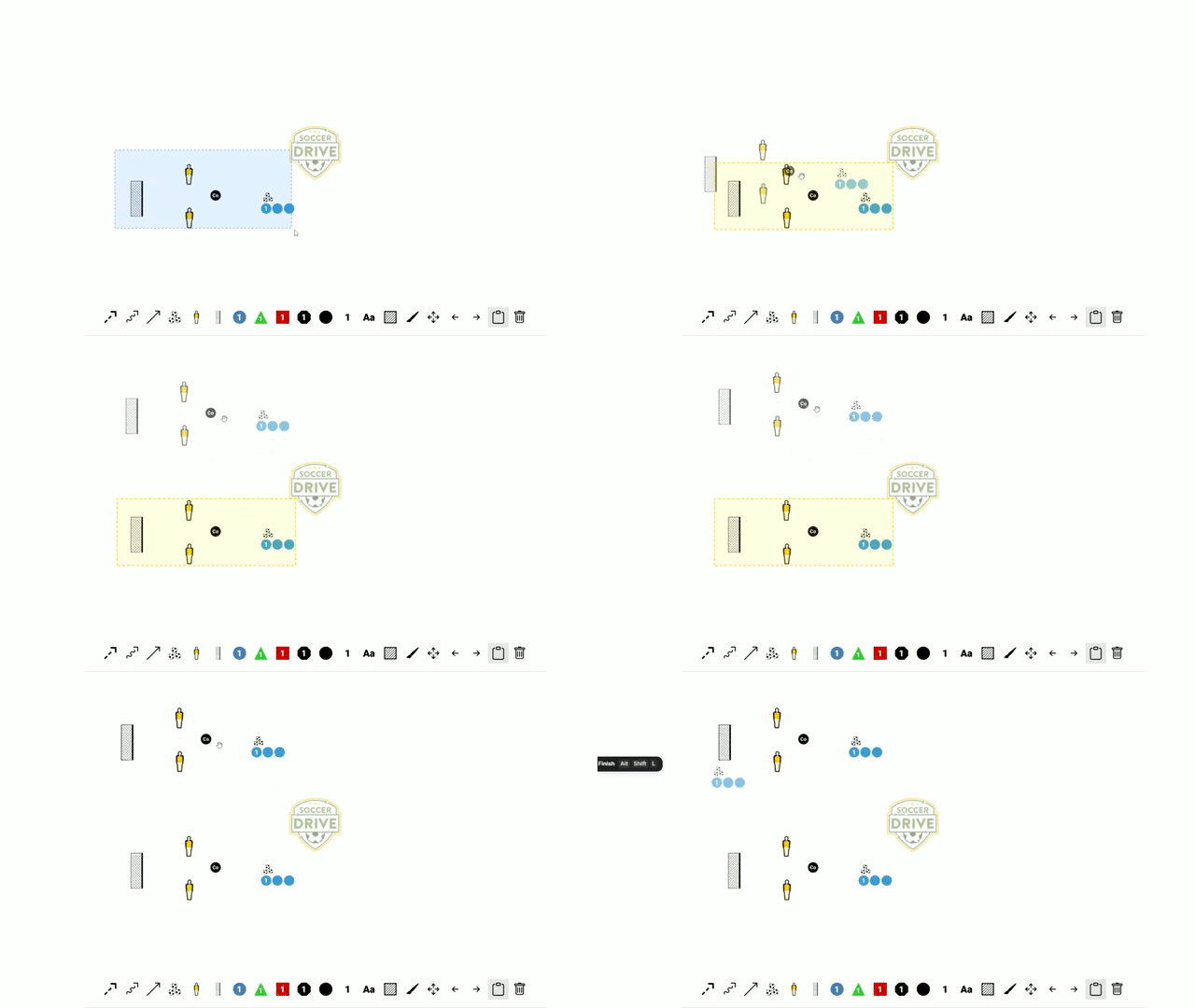
Designing drills or stations with repetitive elements just became much faster. You can now copy and paste individual objects or entire groups of objects.
How to use it: Select the "Copy and Paste" tool from the toolbar. Then click an individual object or click and drag to select multiple objects. The items you have selected will be highlighted in a yellow bounding box. As you move your cursor you will see the copy of your objects move with the cursor. This is ideal for quickly populating drills that require multiple sets of the same equipment or player positions.
Start Building Your Next Session
These updates are live and ready to use in your next drill or session plan. Head over to the SoccerDrive.com Drawing Tool to try out the new color pallet, the improved move tool, the improved object sizing tool, and the copy and paste feature.
We are committed to making our tools as intuitive as possible for your coaching needs. If you encounter any suggestions or recommendations for new drawing tool features please contact us.